Run your whole app by asking
Twinr Copilot
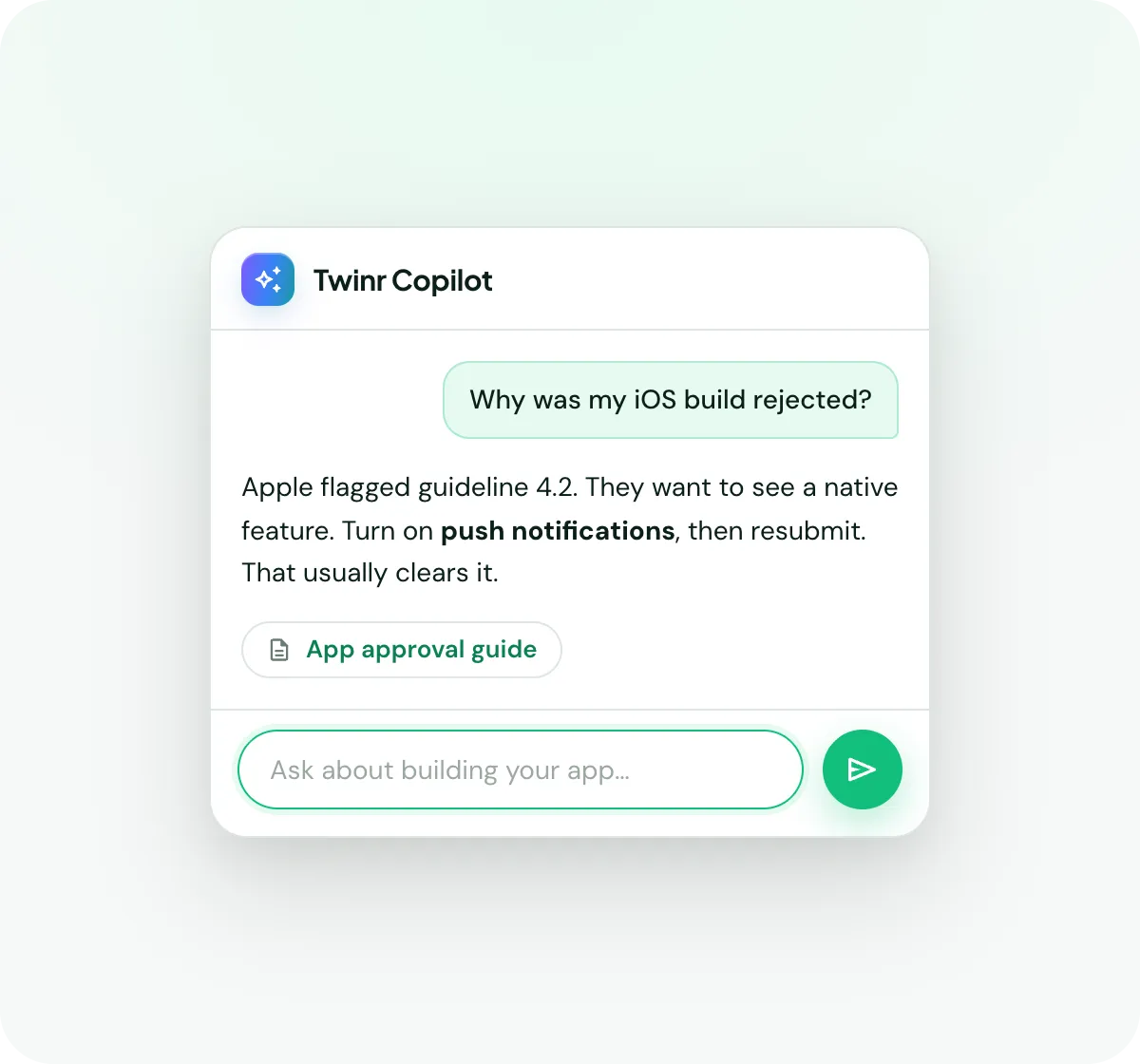
The copilot sits inside your Twinr dashboard and knows your app. Ask it to change a screen, send a push campaign, pull last week's numbers or push a new version to the stores, in plain language. It does the work and shows you before anything goes live.
What it does
One place to ask, for everything in your app
The copilot works across the whole of Twinr. It isn't a help chat that points you at an article. It's the same assistant for building your app, messaging your customers, reading your numbers and shipping updates.
Change your app
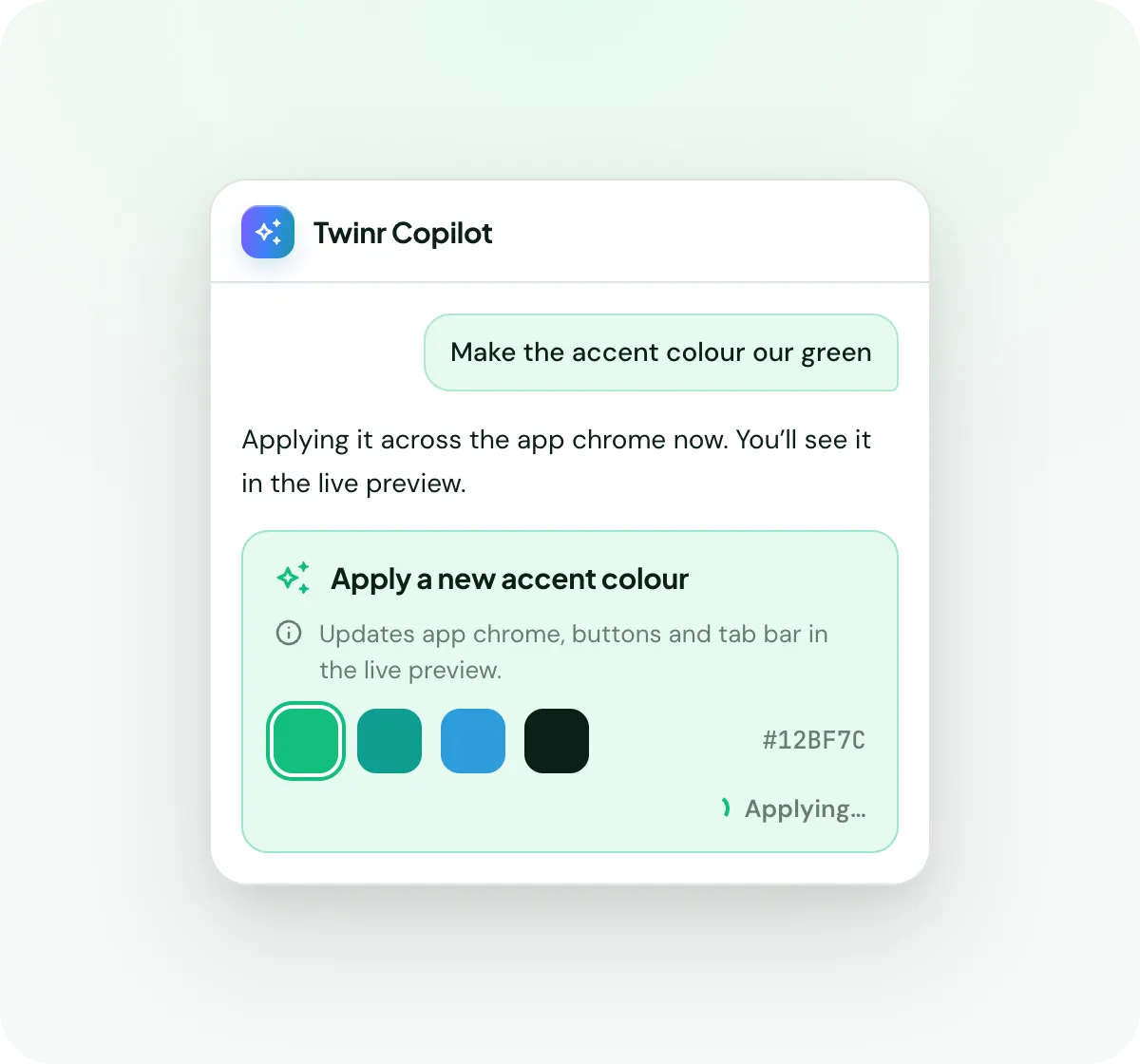
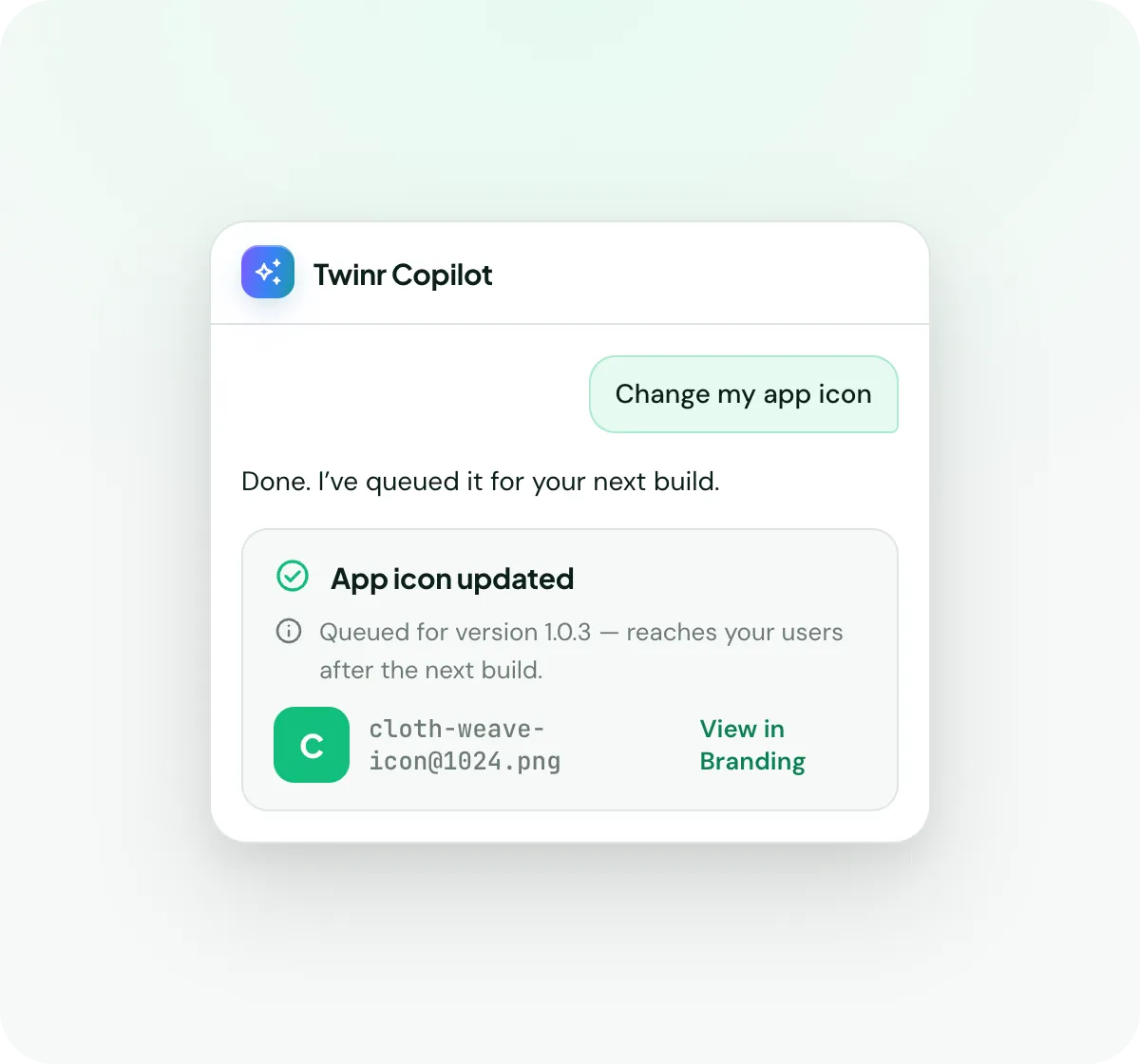
Screens, tabs, names, colours, icons, splash screen, settings. Describe the change and it sets it up.
Build → EngageRun your campaigns
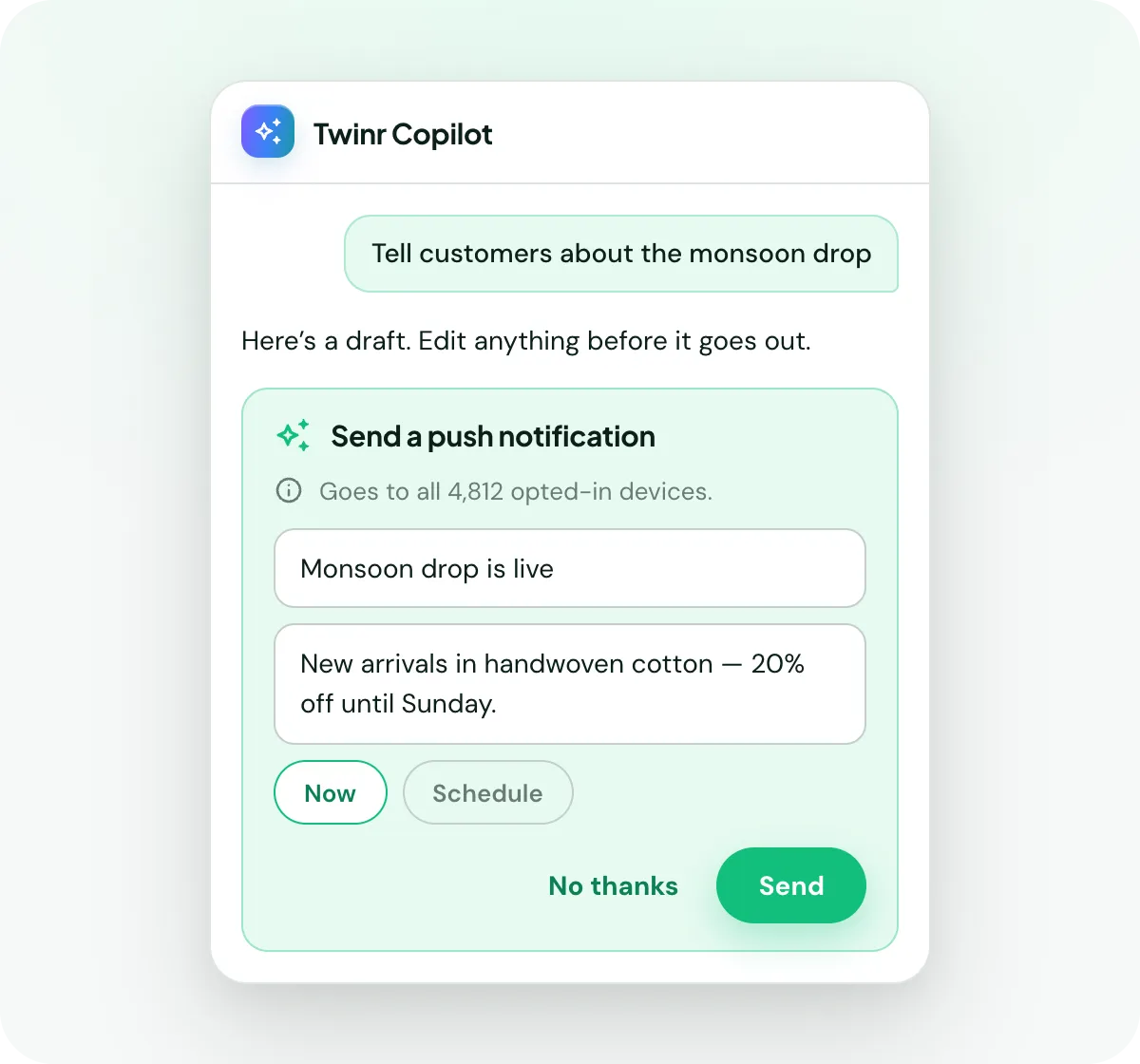
Draft the push copy, build the audience, pick a send time and schedule it. Or ask what's worth sending this week.
Engage → AnalyticsRead your numbers
Ask how last week went and get the answer with the figures: active users, sessions, retention, revenue.
Analytics → BuildsShip an update
When a change needs a new version in the stores, ask and it starts the build.
Build →Your app
Describe the change, it makes it
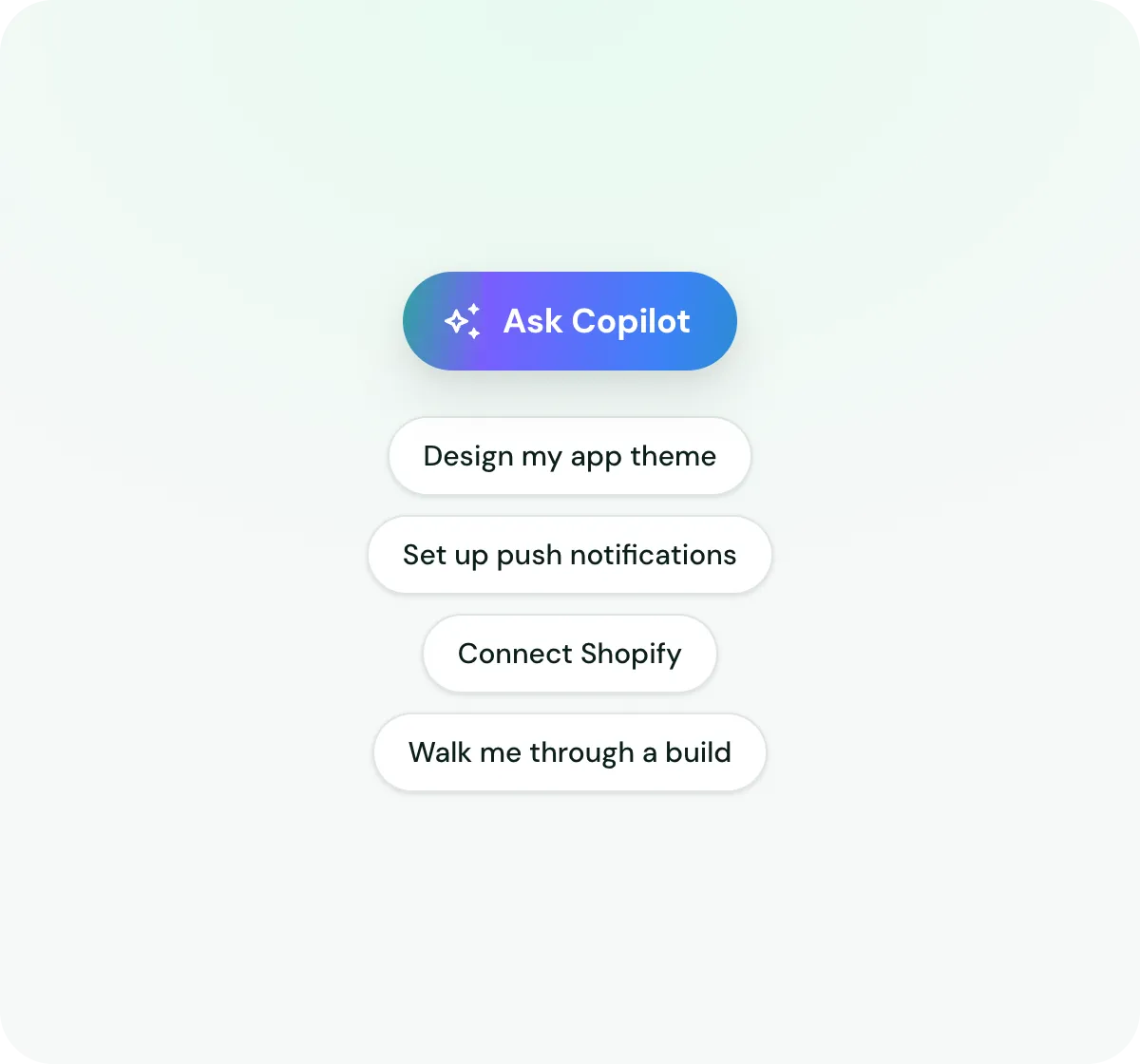
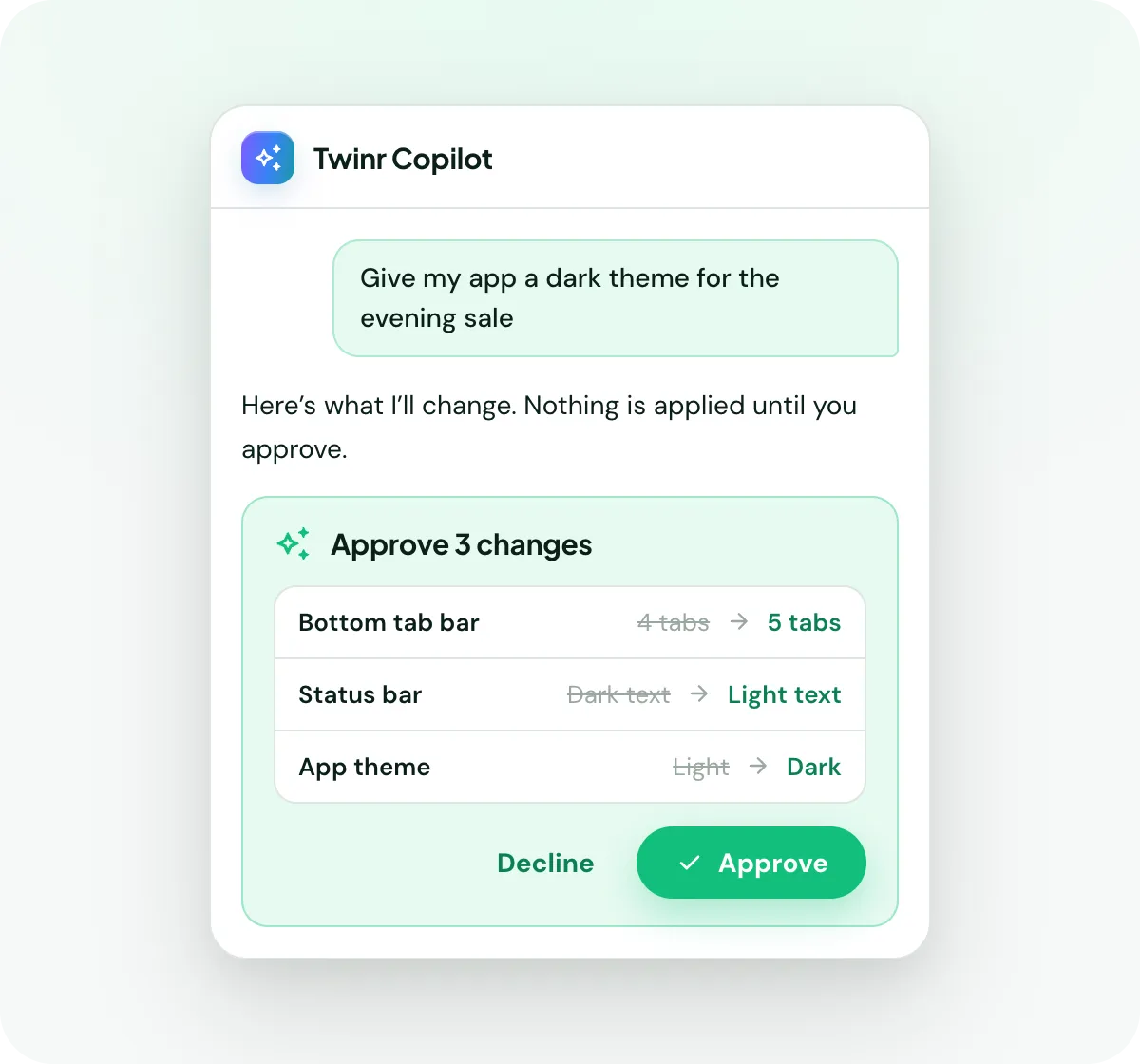
Add a screen, rename a tab, reorder your navigation, change the theme colour, swap the app icon, adjust your settings. You describe what you want in your own words. There's no settings page to hunt for.
Campaigns
Ask for a campaign, get a campaign
The copilot drafts the message, builds the audience, suggests when to send and sets the whole thing up. You read it and approve it.
Your numbers
Ask how the app is doing
You don't need to know which report to open. Ask the question and the copilot pulls the figures and explains what they mean.
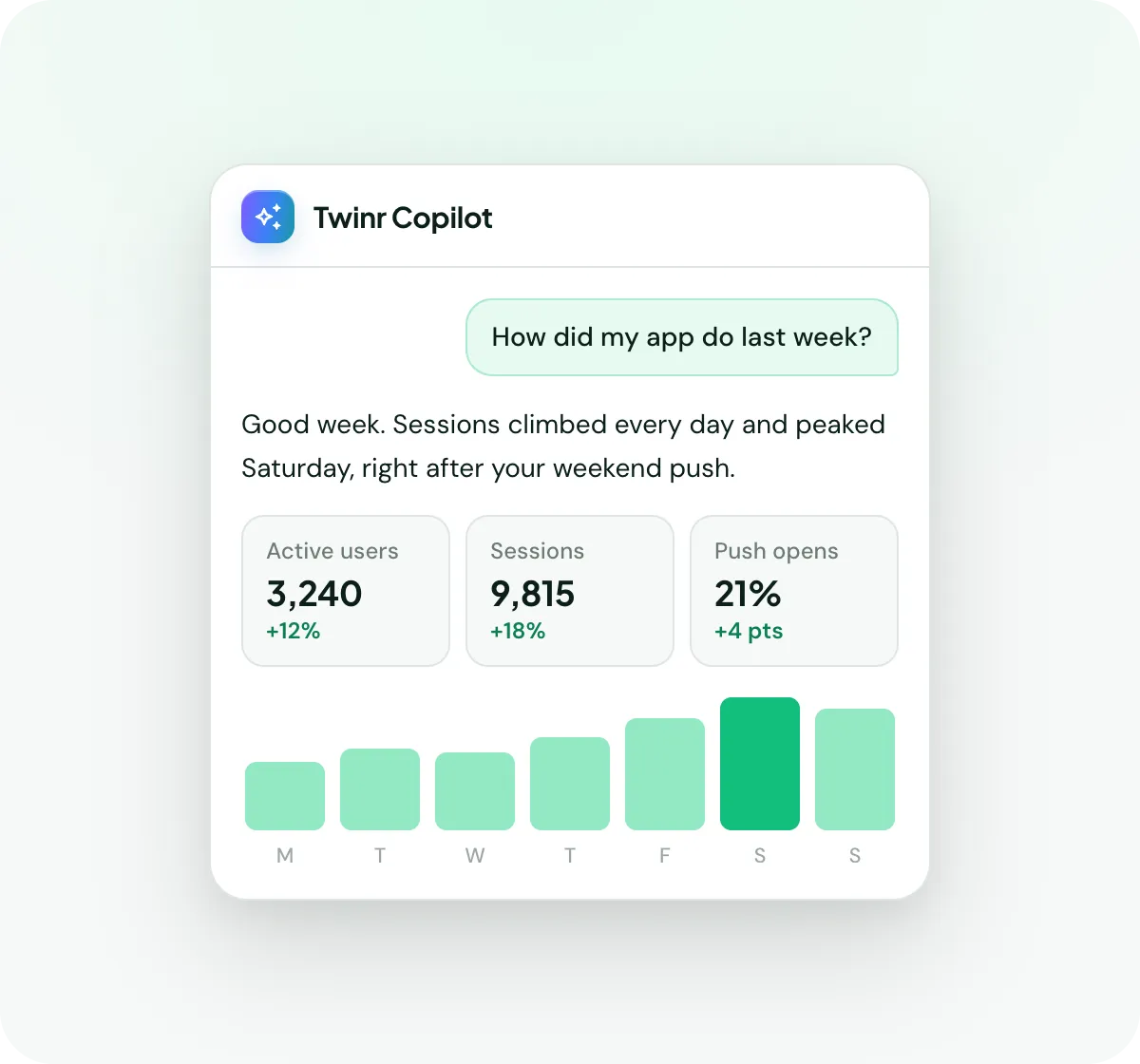
Copilot illustration. Numbers shown are examples, not a performance claim.
Approval
It never changes anything on its own
The copilot can do a lot. That only works if you’re in control of it. Every change, whether a screen, a campaign or a new build, arrives as a card showing exactly what will happen. Nothing goes live until you approve it.
Stop hunting through settings
The copilot is already in your dashboard. Ask it something.
FAQ
The AI copilot, answered
It's an assistant built into your Twinr dashboard that works across the whole product. It can change your app, create and schedule push campaigns, pull your app analytics, update your app configuration and start new builds. It answers questions about any of it using Twinr's help documentation.
Anything you'd do in the Twinr dashboard. Add or rename screens, reorder your tabs, change your app name, icon, colours or splash screen, draft and schedule a push campaign, build a customer segment, check how last week performed, or send a new version to the stores.
No. When the copilot makes a change, it shows you a confirmation card describing exactly what will happen. The change is only made when you tap Apply.
Twinr's own help documentation. It searches the help docs, reads the relevant pages and answers from those. If something isn't covered, it tells you and points you at support rather than guessing.
Some do, some don't. Tabs, screens, links, colours and native screen content go live without a build. Your app icon, splash screen, app name, permissions and deep links need a new version in the stores. The copilot tells you which applies before you commit, and can start the build when one is needed.
Yes, any time. Ask for a human and the copilot stops replying while a Twinr team member picks up the same conversation. You don't start over.
That's who it's for. Ask in plain language and it replies in plain language, with the steps.